
Skip to content

GitCatGit you can take back.

A cozy desktop Git client that pins a snapshot before every mutation — so ⌘Z always works. Free and open source, on macOS, Windows and Linux.

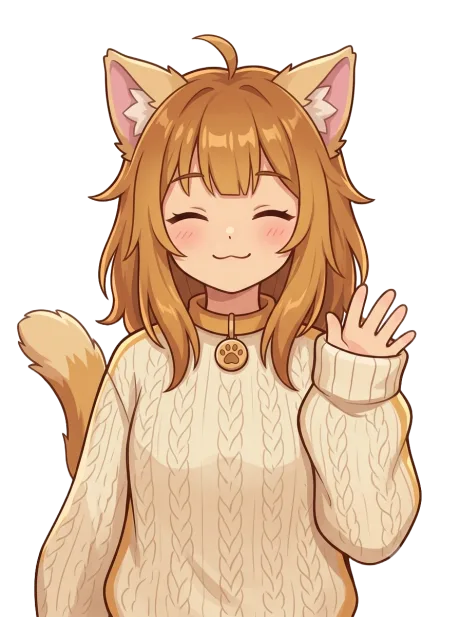
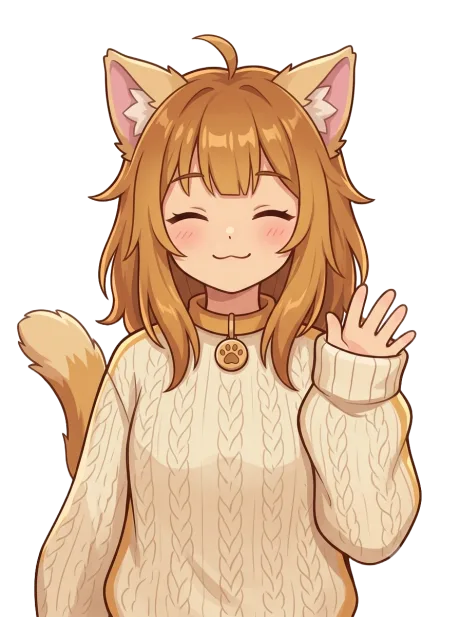
Tama, GitCat's cat mascot, waving hello

A real session on CPython — no narration, no edits. Prefer stills? →

The Safety Manager

Undo is not a feature. It's the point.

Every Git GUI makes it easy to run a dangerous command. GitCat is built so you can take it back — every mutation, all the way down, including the ones git itself considers final.

Tama, before

Before

A snapshot is pinned

Refs, index, worktree and stash — captured before the command runs, not after it goes wrong.

Tama, during

During

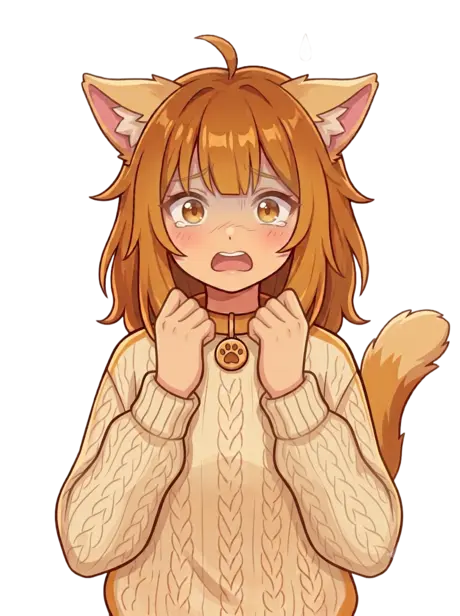
Tama says the scary part out loud

Anything irreversible needs a typed confirmation, and tells you exactly what it will touch.

Tama, after

After

⌘Z puts it back

One keystroke, any mutation. Undo is itself a snapshot, so you can undo the undo.

Commit graph

A graph that keeps up

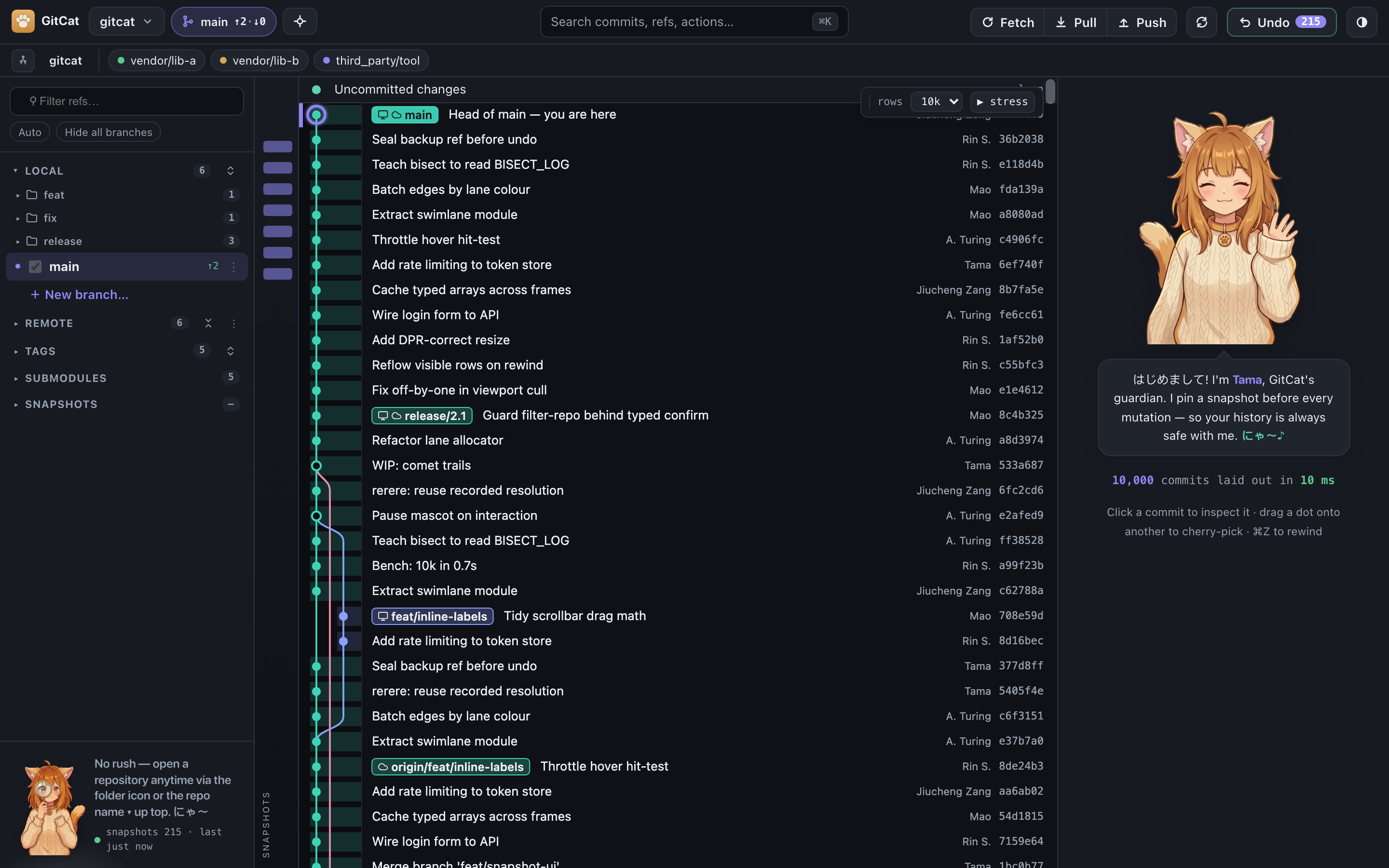
git2 reads and a hand-tuned Rust swimlane layout, streamed onto a virtualized canvas with no depth cap. 150,000 commits scroll smoothly — with the text still readable.

  • Inline branch and tag chips
  • Drag one dot onto another to cherry-pick
  • Snap back to HEAD from anywhere
GitCat's commit graph, with coloured swimlanes and inline branch labels

Diffs & staging

Down to the line

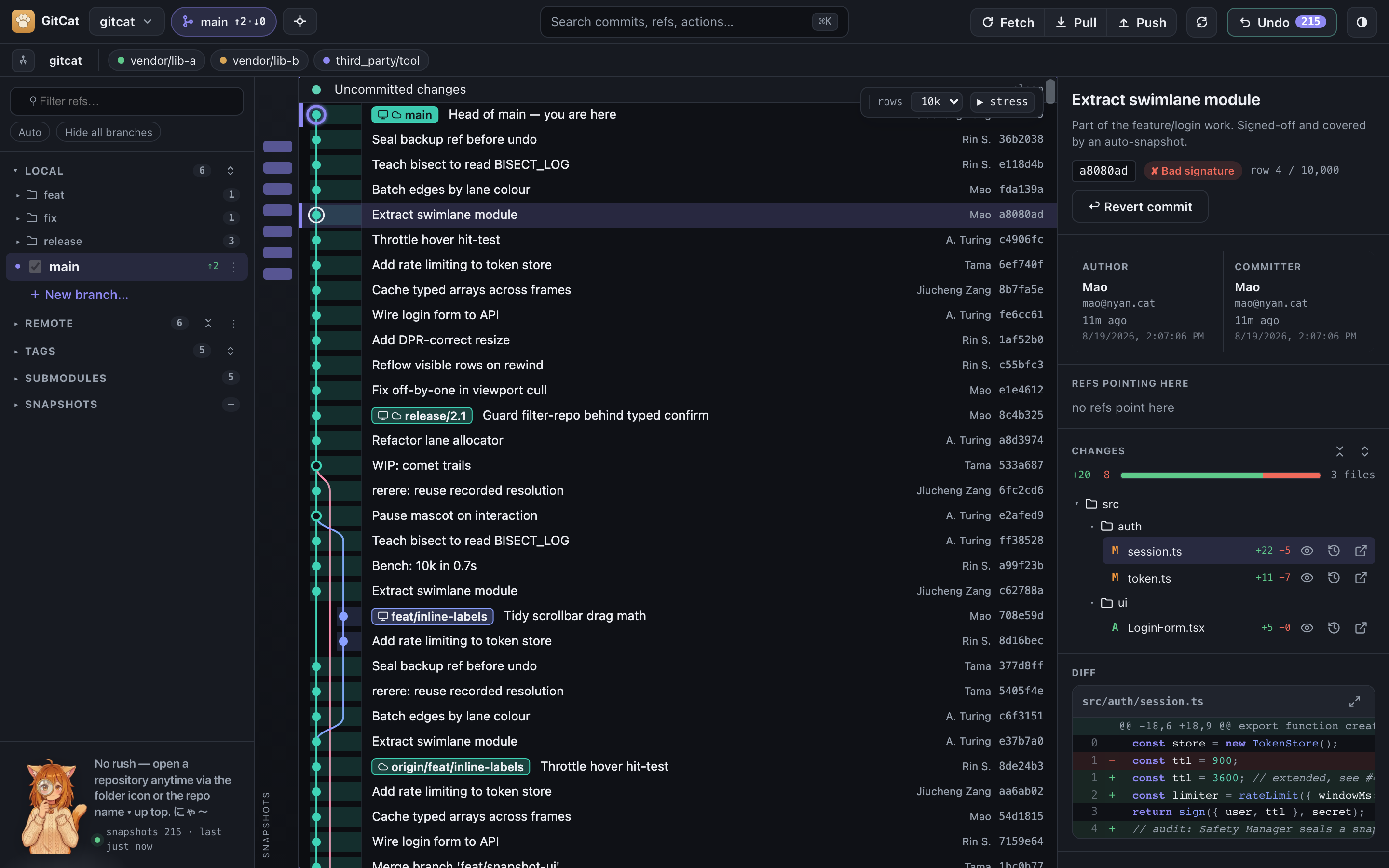
Stage by file, by hunk, or by individual line. Text diffs are syntax-highlighted; images and PDFs get a real before/after preview, rendered natively and zoomable.

  • Line-level staging
  • Side-by-side image & PDF diffs
  • Pluggable external diff and merge tools
The commit detail panel showing a syntax-highlighted diff

Command palette

Everything is one keystroke away

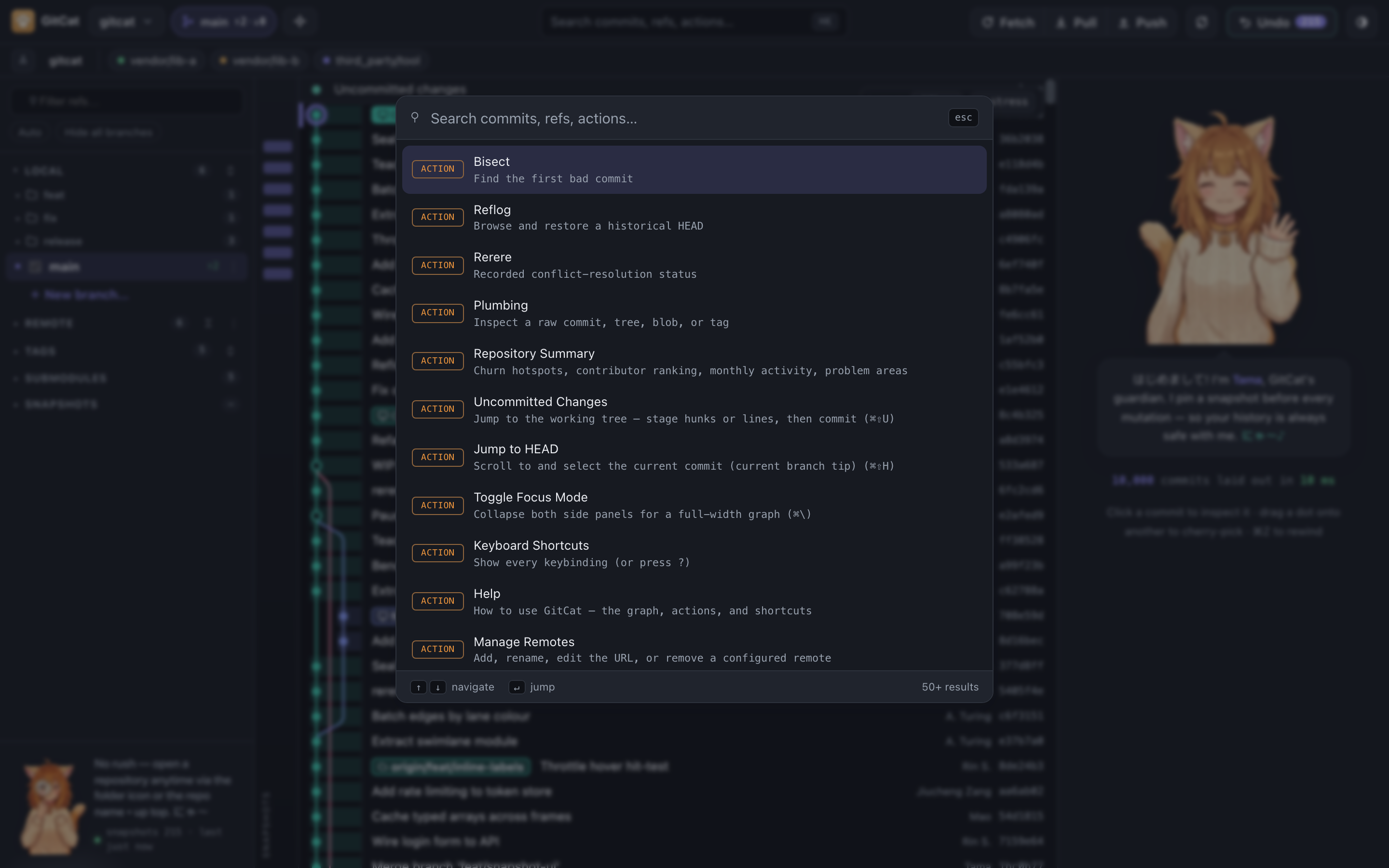
⌘K fuzzy-searches commits, refs and actions at once — including branches that aren't in the sidebar. Search by author, by full hash, or pickaxe through file content.

  • Vim-style keys throughout
  • Jump straight to Bisect, Reflog, Rerere
  • A real native menu, too
The ⌘K command palette searching commits and refs

And the rest of it

The deep cuts, too

All of real git

Merge, rebase (linear and drag-to-reorder interactive), cherry-pick, revert, bisect, blame with rename-following, submodules, patches, and a git-filter-repo wizard.

Conflicts, resolved

A real 3-way editor with hunk-level resolution, plus rerere and your own external merge tool if you'd rather.

When git can't help

Reflog rescue and dangling-object recovery, for the commits git itself has already given up on.

Plugins

Extend GitCat with ⌘K commands, hooks, side panels, named tools, and Tama skins and reactions.

English, 中文 & 한국어

The whole interface in three languages, switchable live with no reload.

gitcat .

Open a repo from your terminal the way code . does — WSL-aware, on every platform.

The exhaustive feature list →

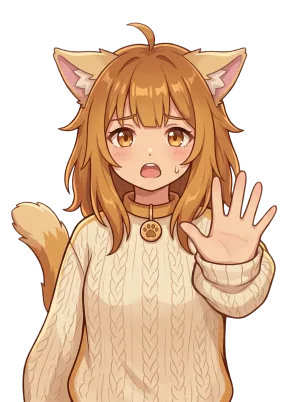
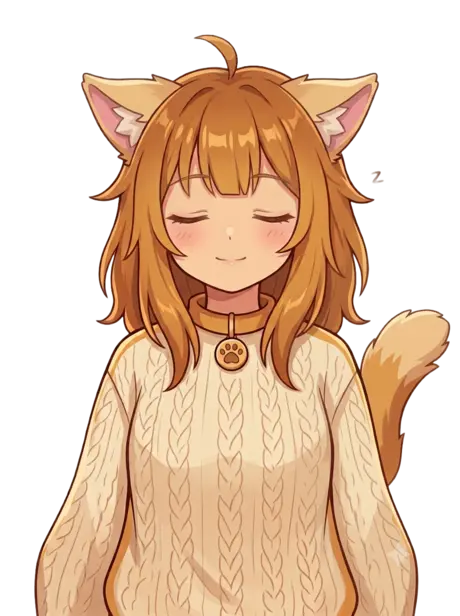
Tama waving helloTama curiousTama thinkingTama confidentTama celebratingTama alarmedTama shockedTama napping

Meet Tama

Not a mascot. The one holding the snapshot.

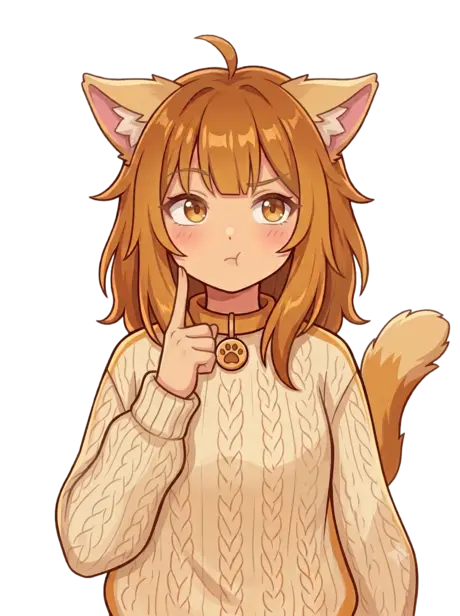
Eight expressions, wired to real moments: curious while you search, thinking hard mid-rebase, genuinely alarmed right before something irreversible — and celebrating once it's safely done.

More about Tama →

Point it at a repo you care about.

That's rather the whole idea — nothing it does to your history can't be taken back.

Free and open source under the GPLv3 · macOS, Windows and Linux · no account, no cloud

Released under the GNU General Public License v3.0 or later.