
Screenshots
A quick visual tour. Ready to try it for real? Head to Install.
The commit graph
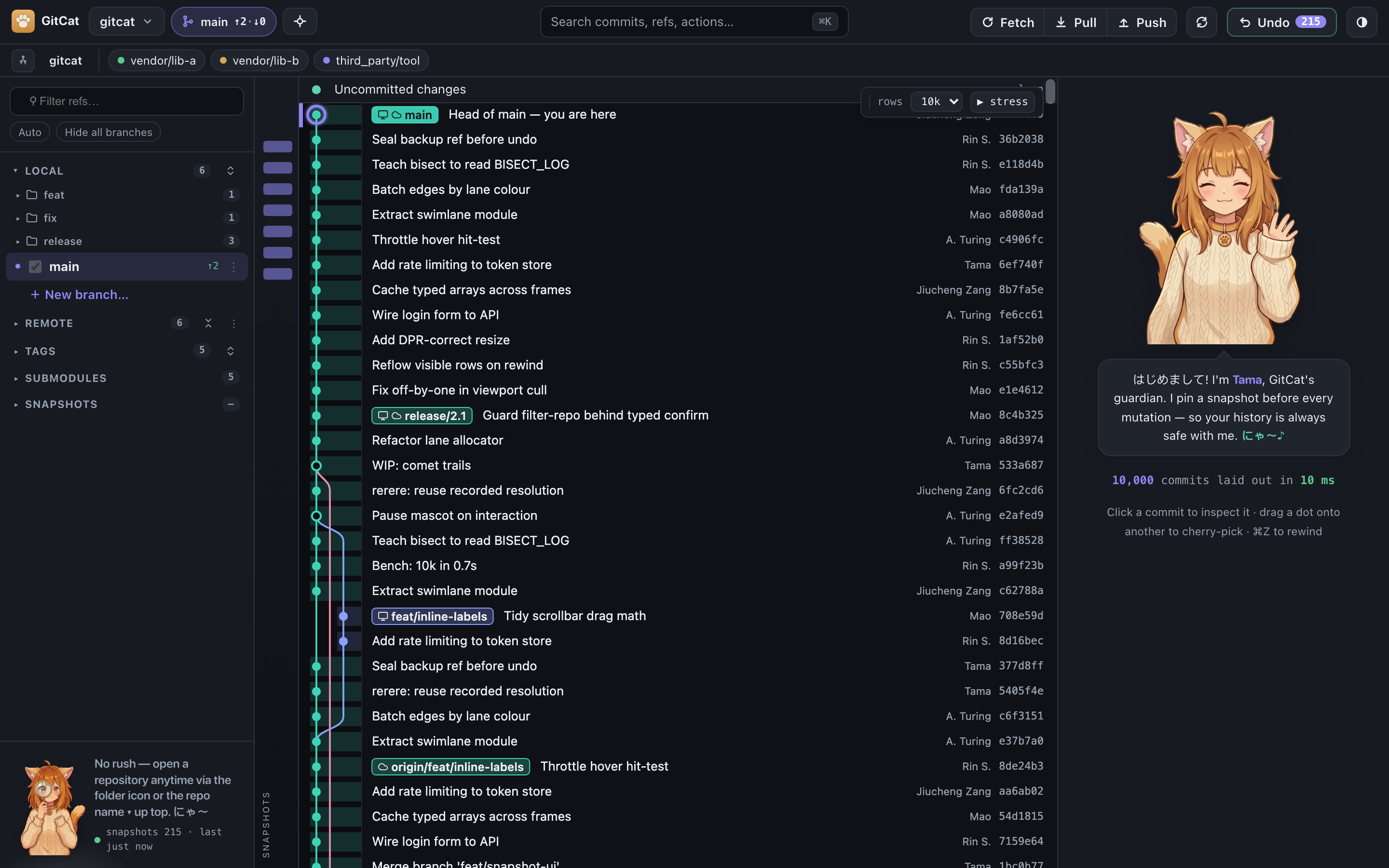
The home screen: a fast, virtualized swimlane graph with inline branch and tag chips, a clear "you are here" marker on HEAD, and a folder-tree sidebar. It stays smooth with readable text even on very large histories.
Commit detail and diff
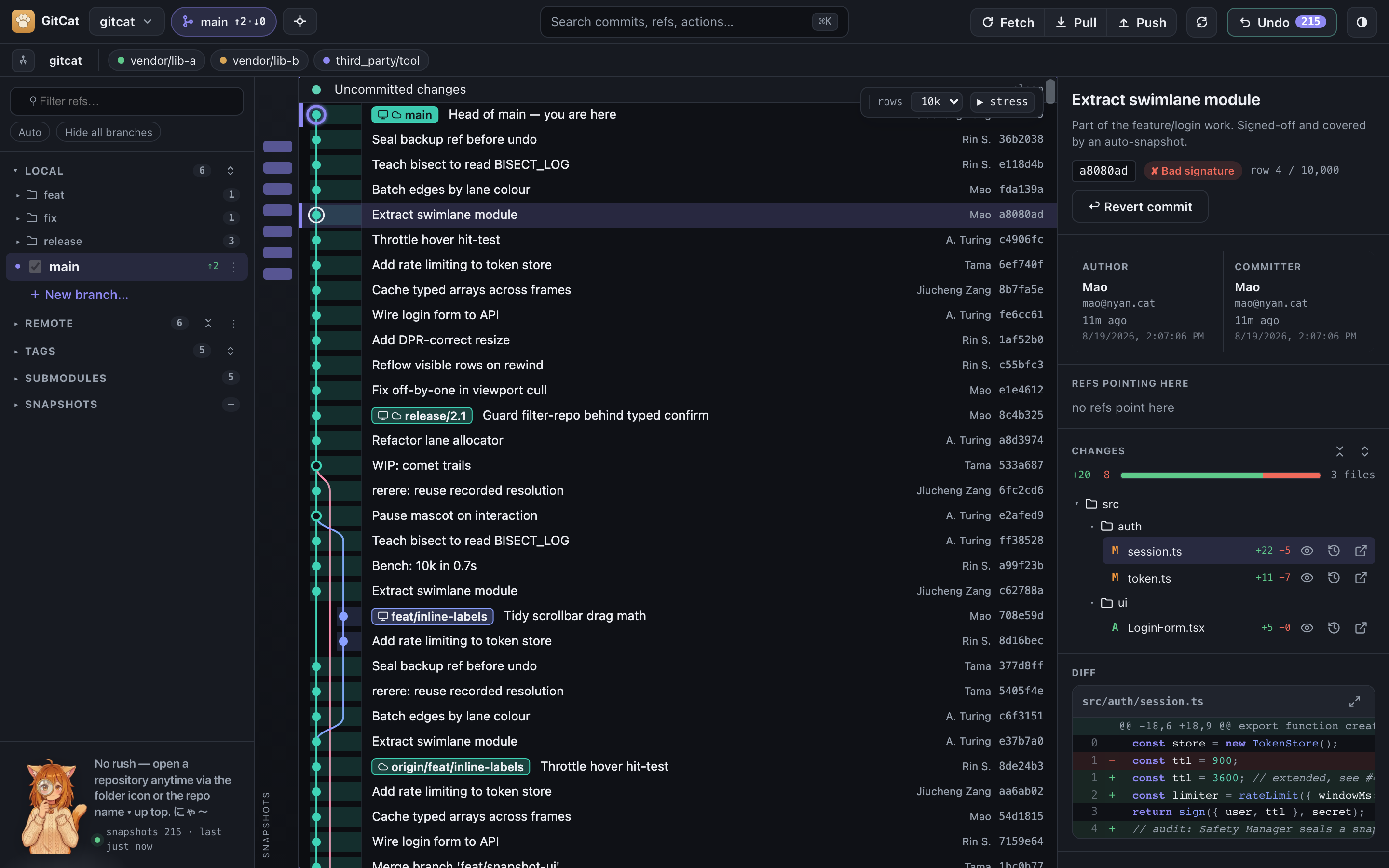
Click any commit for the full picture: author and committer, signature status, the changed-file tree, and a syntax-highlighted diff.
Command palette
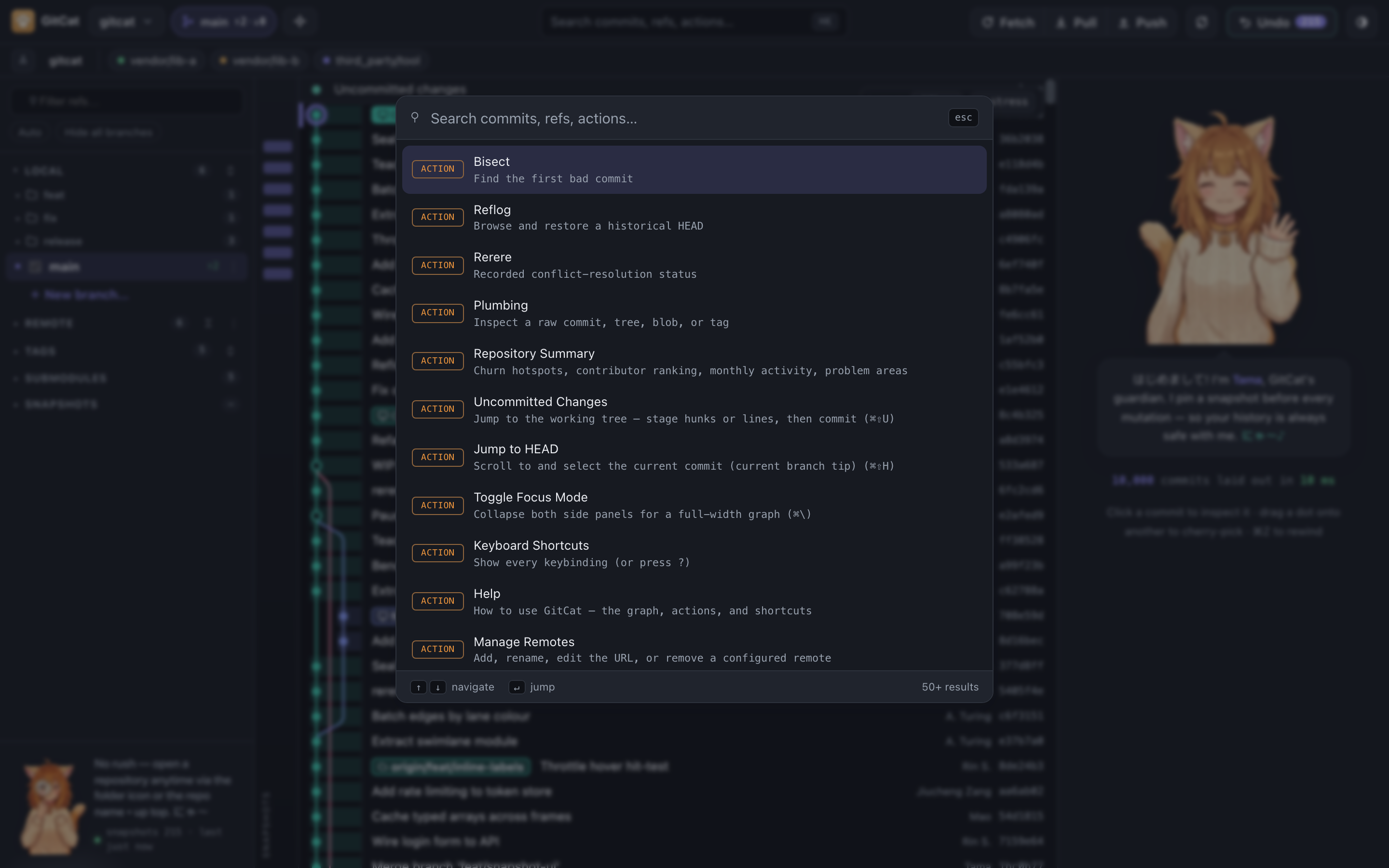
Press ⌘K to fuzzy-search commits, refs, and actions, or jump straight to a feature.
Settings
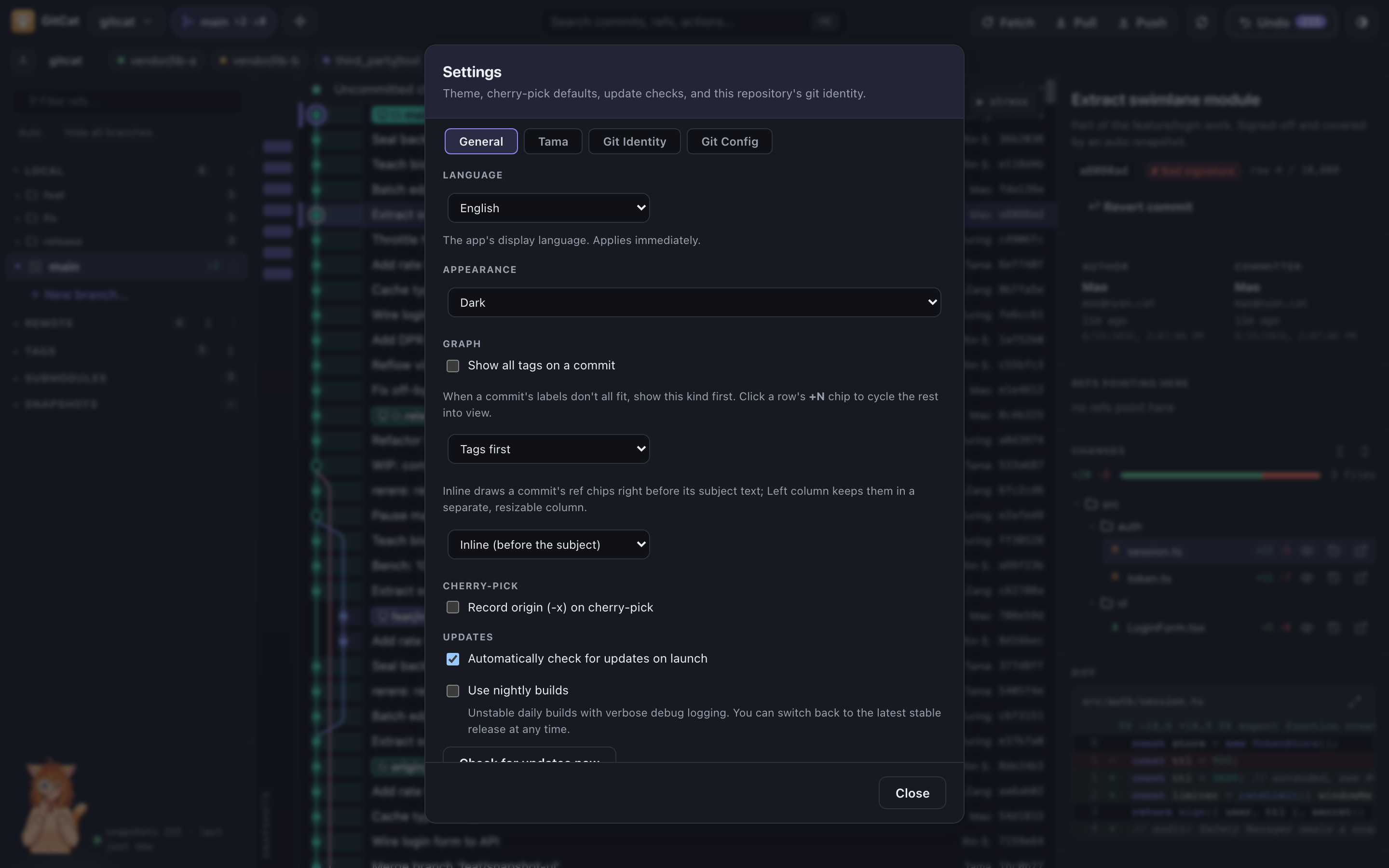
Themes, graph layout, cherry-pick defaults, update channel, and this repository's git identity. The display language switches live.
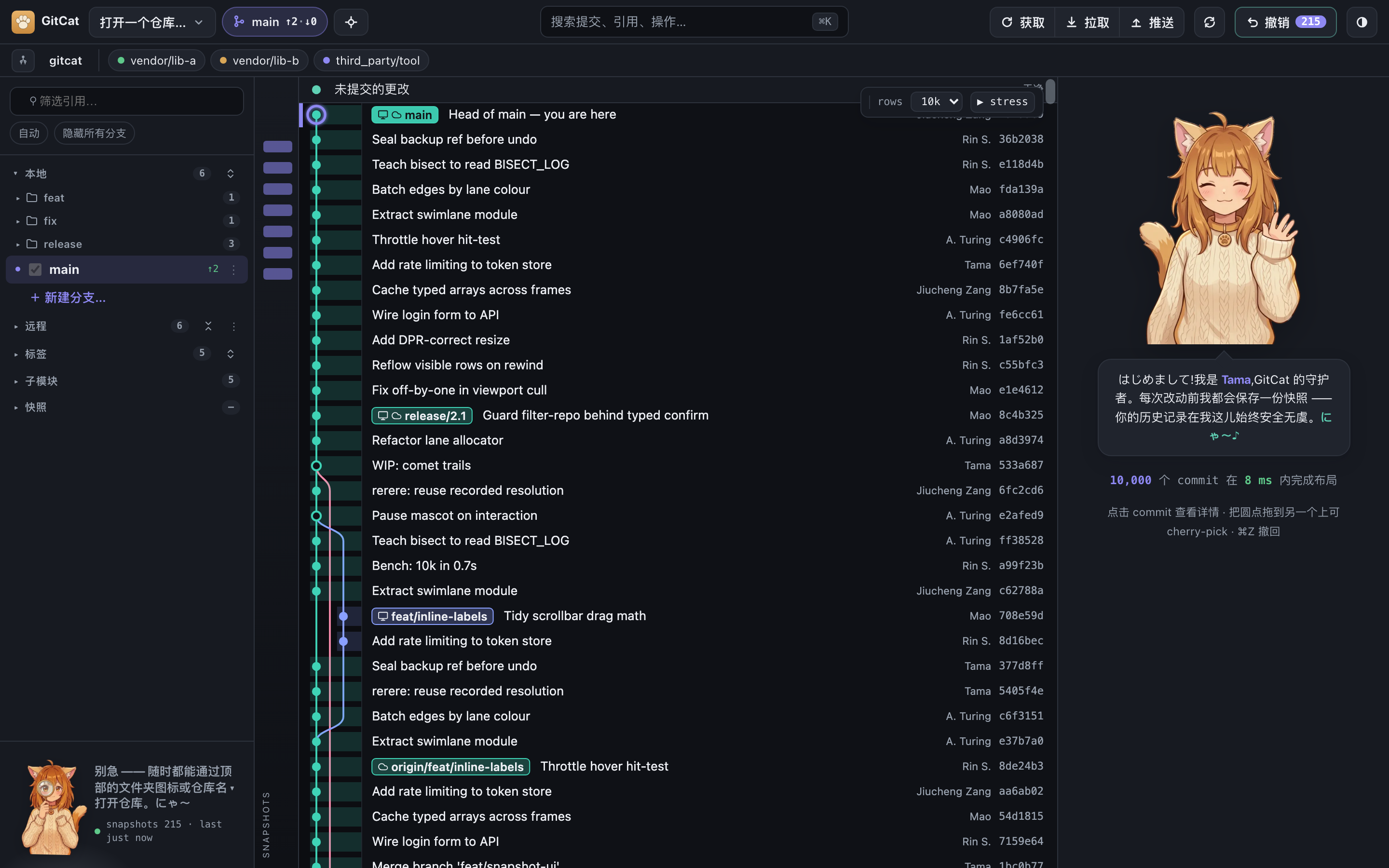
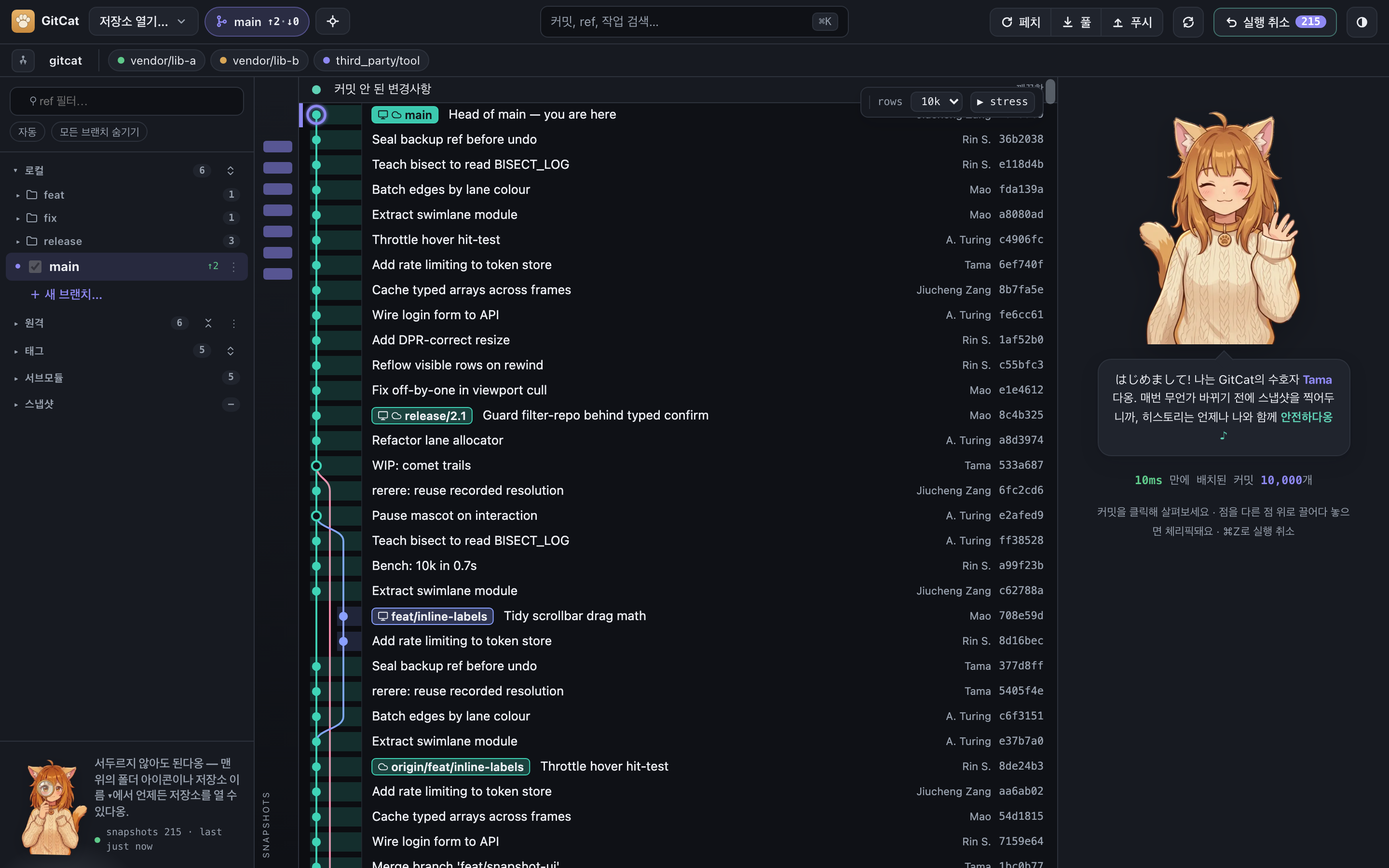
In your language
GitCat ships in English, Simplified Chinese (中文) and Korean (한국어), switchable on the fly. Tama keeps her にゃ〜 in every one of them.
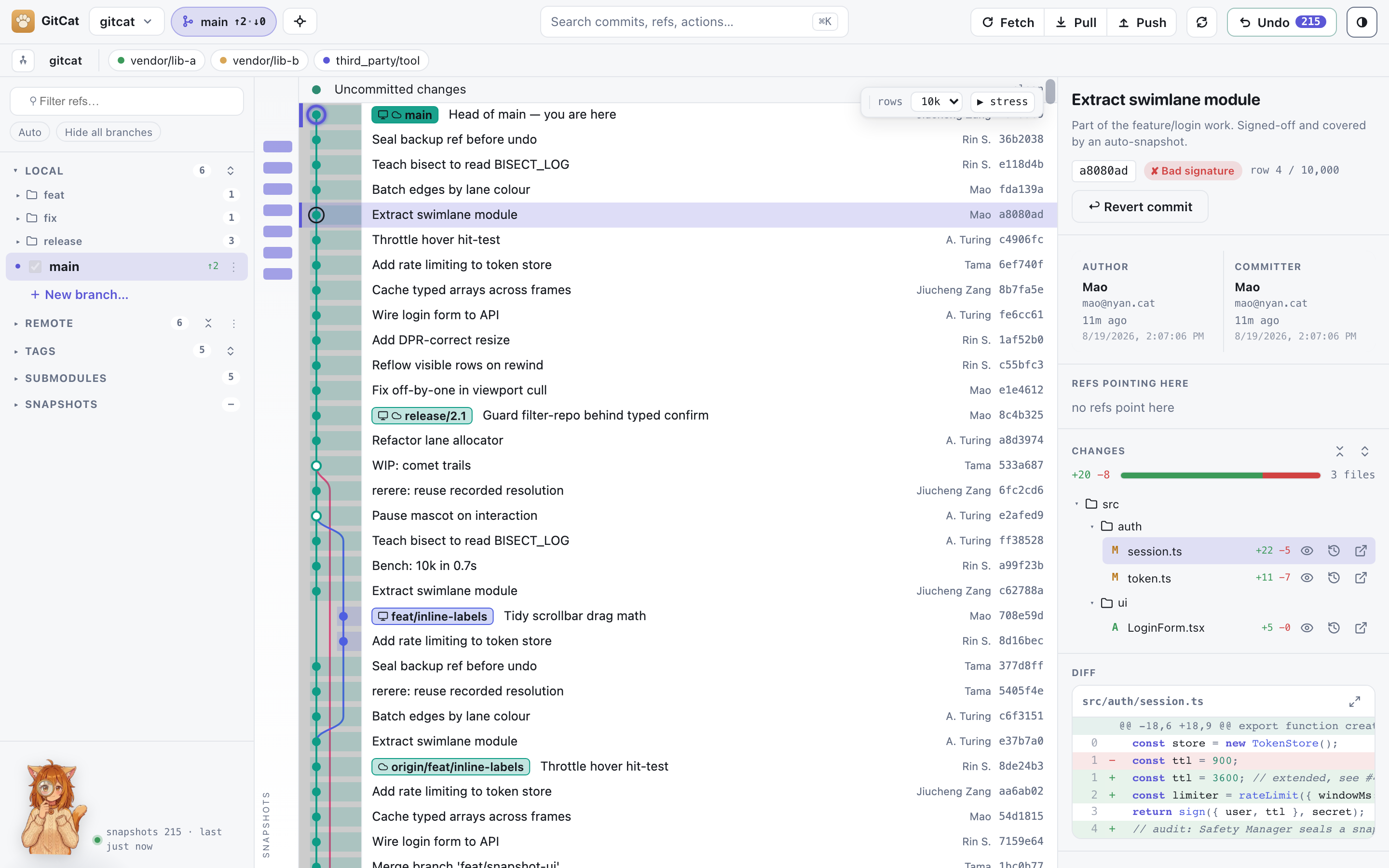
Light theme
Prefer a lighter look? There's a theme toggle in the top bar.
These shots are captured from GitCat's built-in demo mode, so the commits are made up. The interface is the real thing.